Top Workstation Computers for Small Businesses to Boost Efficiency
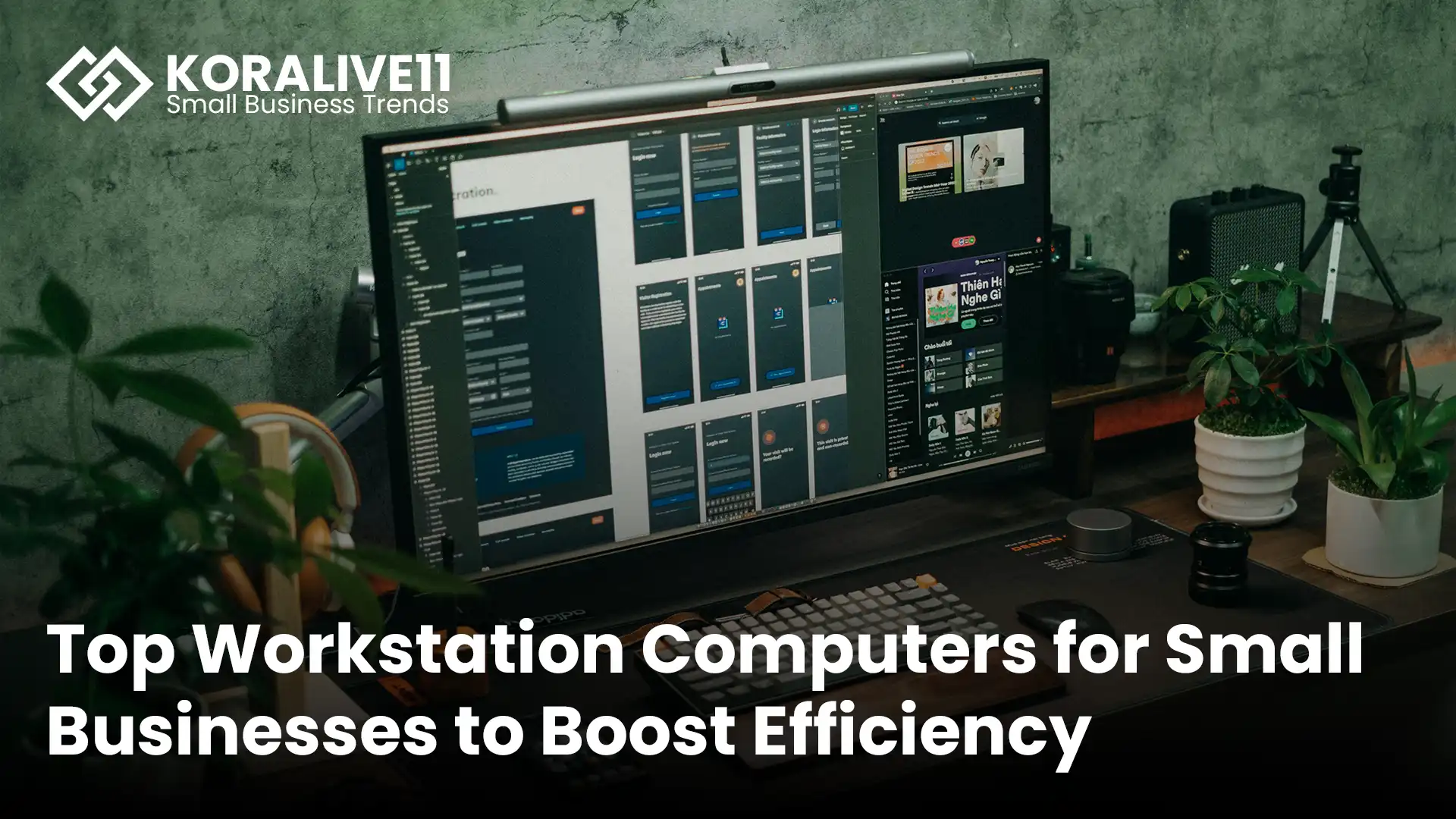
Best workstation computers for small businesses.
Key Takeaways
Professional female entrepreneur working at a modern workstation
- Why Workstations Matter: Choosing the right workstation computer is critical for improving productivity and efficiency in small business environments.
- Essential Hardware Specs: Prioritize strong processors, sufficient RAM, and dedicated graphics cards to support demanding software and multitasking.
- Room to Grow: Scalable workstations allow future upgrades, helping businesses expand without replacing their entire system.
- Built-In Security: Advanced security features, such as Lenovo ThinkShield, help protect sensitive business information from cyber threats.
- Best Options Available: Popular workstation choices for small businesses include the Dell OptiPlex 7000 Micro, the Lenovo ThinkStation P3 Tiny, and the Dell XPS Desktop.
- Cost vs. Value: Evaluating both price and long-term value ensures your investment supports performance needs without exceeding your budget.
In today’s competitive business landscape, having dependable technology is essential. For small businesses, a powerful workstation computer can significantly impact daily productivity and overall efficiency. With so many options on the market, selecting the right system can feel overwhelming.
You need a workstation that delivers strong performance, supports multitasking, and fits within your budget. Whether you’re running advanced software, managing remote teams, or handling data-intensive tasks, the proper workstation helps you stay productive and competitive. This guide highlights top workstation computers that balance power, reliability, and value for small business success.
Overview of Workstation Computers
Small business owner focused on a workstation setup
Workstation computers are designed for professional workloads and demanding applications. They are especially valuable for small businesses that rely on software for design, analytics, development, or collaboration. These systems provide consistent performance, ensuring essential business tools run smoothly.
When choosing a workstation, configuration matters. High-performance processors, generous memory capacity, and dedicated graphics cards play a key role in supporting complex workflows. These features are ideal for video meetings, remote collaboration, automation tools, and productivity software.
Workstations also support scalability, allowing you to upgrade hardware components as your business grows. This flexibility helps future-proof your investment while reducing long-term IT costs. Combined with cloud-based tools, workstations improve data accessibility, enhance security, and support modern remote work environments. With proper IT support, they become a robust foundation for business operations.
Key Features to Consider
Business professional working at a modern desktop workstation
Selecting the proper workstation requires focusing on features that improve performance, reliability, and long-term value.
Performance Specifications
Processing power is a top priority. Systems equipped with Intel Core i7 or i9 processors handle intensive tasks like data analysis and multitasking efficiently. Workstations such as the Lenovo ThinkStation P3 Tiny support high memory capacities and dual SSD storage, ensuring smooth performance even when running multiple applications.
Expandability and Upgradability
A workstation should support growth. Look for systems with multiple ports and upgradable RAM and storage. Expandable designs let you adapt to new software requirements and evolving technology without replacing your entire setup. Models like the ThinkStation P3 Tiny offer flexible configurations, making them suitable for long-term use.
Reliability and Support
Reliability reduces downtime and operational disruptions. Built-in security tools protect sensitive business data, while dependable manufacturer support ensures quick assistance when issues arise. Brands like Lenovo and Dell provide strong warranties and technical support, helping small businesses maintain consistent productivity.
Top Recommendations
Small business professional using a compact workstation
Dell Optiplex 7000 Micro
The Dell Optiplex 7000 Micro delivers strong performance in a compact design. It supports up to four displays and features modern Intel processors with enhanced security options. Its small footprint makes it ideal for limited office space, while multiple connectivity ports support everyday business needs.
Lenovo ThinkStation P3 Tiny
The Lenovo ThinkStation P3 Tiny delivers impressive performance in a compact form factor. It supports large memory capacities, fast SSD storage, and professional-grade graphics, making it suitable for design, finance, and analytics tasks. Integrated security features help safeguard business data, and its compact size fits seamlessly into modern workspaces.
Dell XPS Desktop
The Dell XPS Desktop provides high-end performance with extensive customization options. Designed for demanding workloads, it supports a wide range of business software, from CRM tools to video conferencing platforms. Its flexibility makes it a strong choice for businesses seeking both performance and scalability.
Comparing Prices and Value
Creative office environment with workstation setup
When choosing a workstation, it’s important to weigh cost against long-term value.
| Workstation | Price Range | Value Overview |
|---|---|---|
| Apple Mac mini | Starting around $600 | High performance in a compact design, suitable for general business tasks, though limited upgrade options |
| Dell Optiplex 7000 Micro | Mid-range | Space-saving design with solid performance and multi-display support |
| Lenovo ThinkStation P3 Tiny | Mid to high range | Highly customizable, designed for demanding workloads with advanced security |
| Dell & Lenovo Standard Desktops | Varies | Flexible configurations for businesses needing reliable computing power |
| HP Business Desktops | Wide range | Options for various budgets with strong performance and modern designs |
Each option serves different needs. Budget-conscious businesses may prefer compact systems, while performance-focused teams may benefit from customizable workstations. Choosing the right fit ensures maximum return on investment.
Conclusion
Modern workstation in a professional office setting
Selecting the right workstation computer is a key decision for small business success. A well-chosen system improves productivity, supports collaboration, and adapts to future growth.
Whether you choose a compact solution like the Dell Optiplex 7000 Micro or a powerful option like the Lenovo ThinkStation P3 Tiny, investing in reliable technology strengthens your operations. Align your choice with your business goals, workload requirements, and budget to maximize efficiency and long-term value.
Frequently Asked Questions
What is a workstation computer?
A workstation is a high-performance computer designed for professional use, capable of handling demanding applications such as design software, analytics tools, and development environments.
Why do small businesses need workstation computers?
Workstations provide the power and reliability required for complex tasks, improving efficiency and reducing downtime in fast-paced business settings.
What specifications matter most in a workstation?
Key specifications include a strong processor, sufficient RAM, dedicated graphics, and fast storage to support multitasking and performance-intensive applications.
Can workstations grow with a business?
Yes, many workstations allow hardware upgrades, making them suitable for expanding businesses without requiring complete system replacement.
Are workstations compatible with cloud services?
Absolutely. Workstations integrate seamlessly with cloud platforms, supporting secure data access, collaboration, and remote work.
Can workstation computers be customized?
Many models offer customization options, allowing businesses to tailor performance and storage to specific needs.
Which workstations are best for small businesses?
Popular options include the Dell Optiplex 7000 Micro, Lenovo ThinkStation P3 Tiny, and Dell XPS Desktop.
How do workstation prices vary?
Prices depend on specifications and features, ranging from budget-friendly compact systems to high-performance customizable workstations.